服务追踪工具 SkyWorking 搭建使用
SkyWalking 是用于对微服务,Cloud Native,容器等提供应用性能监控和分布式调用链追踪的工具
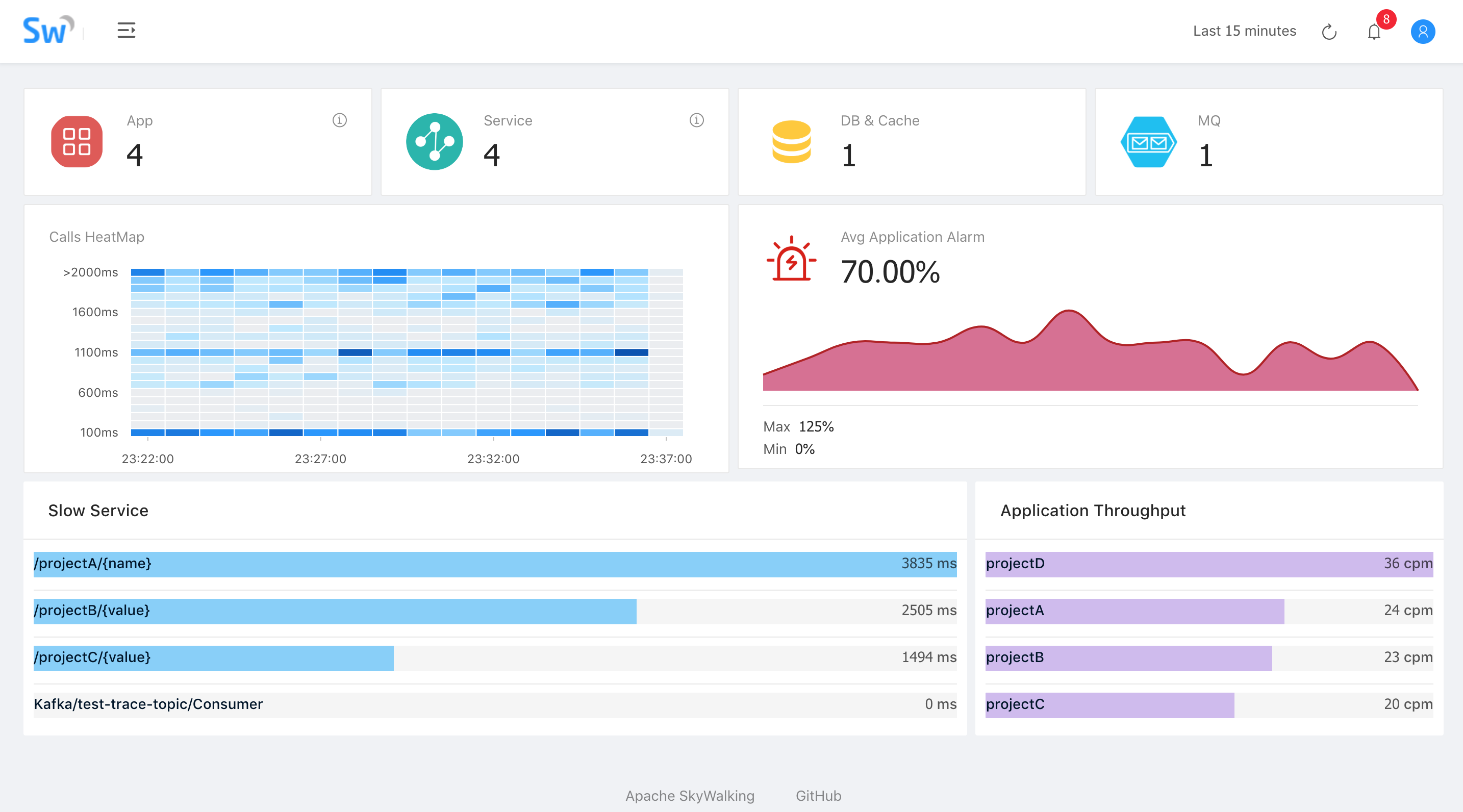
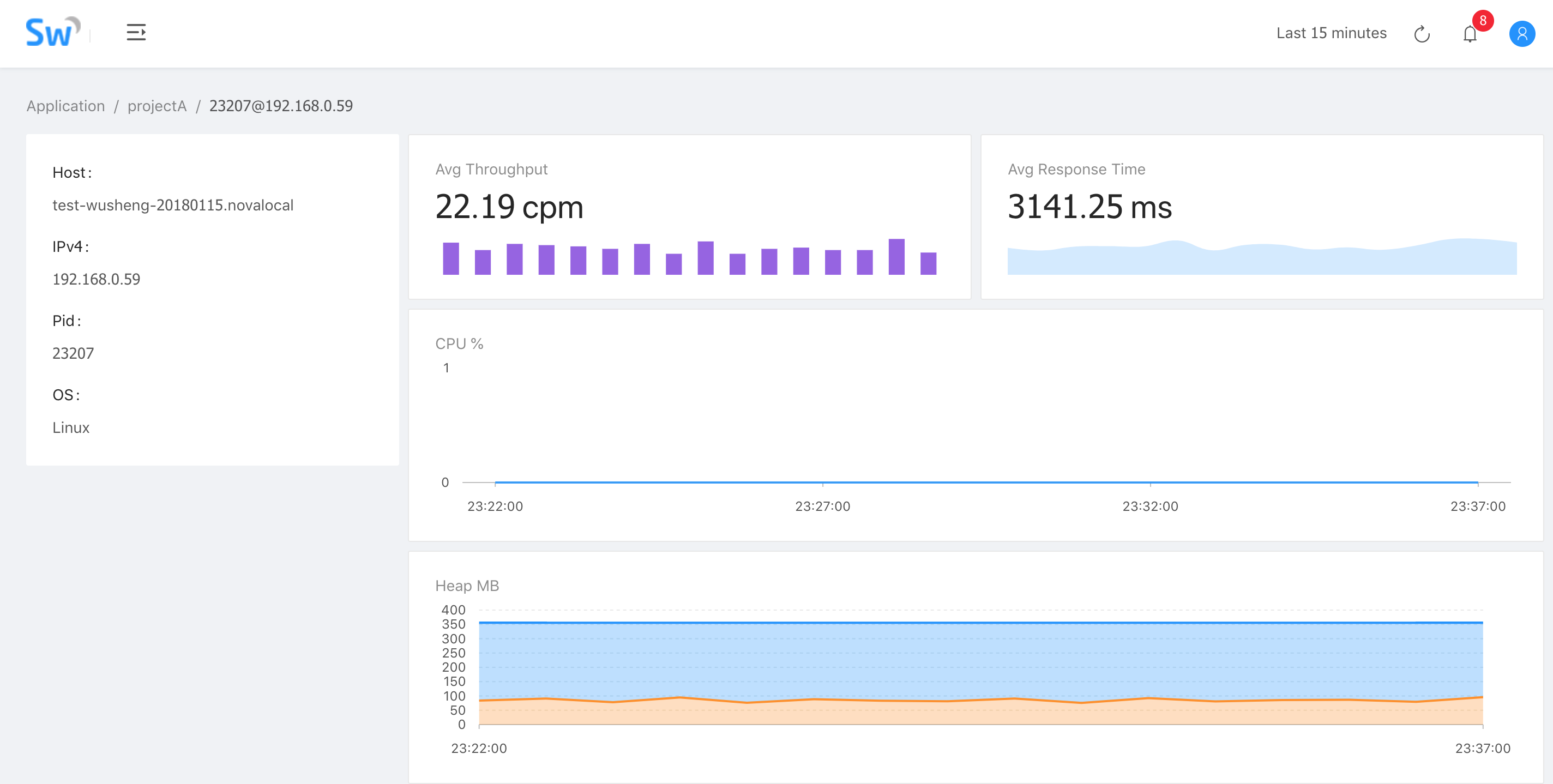
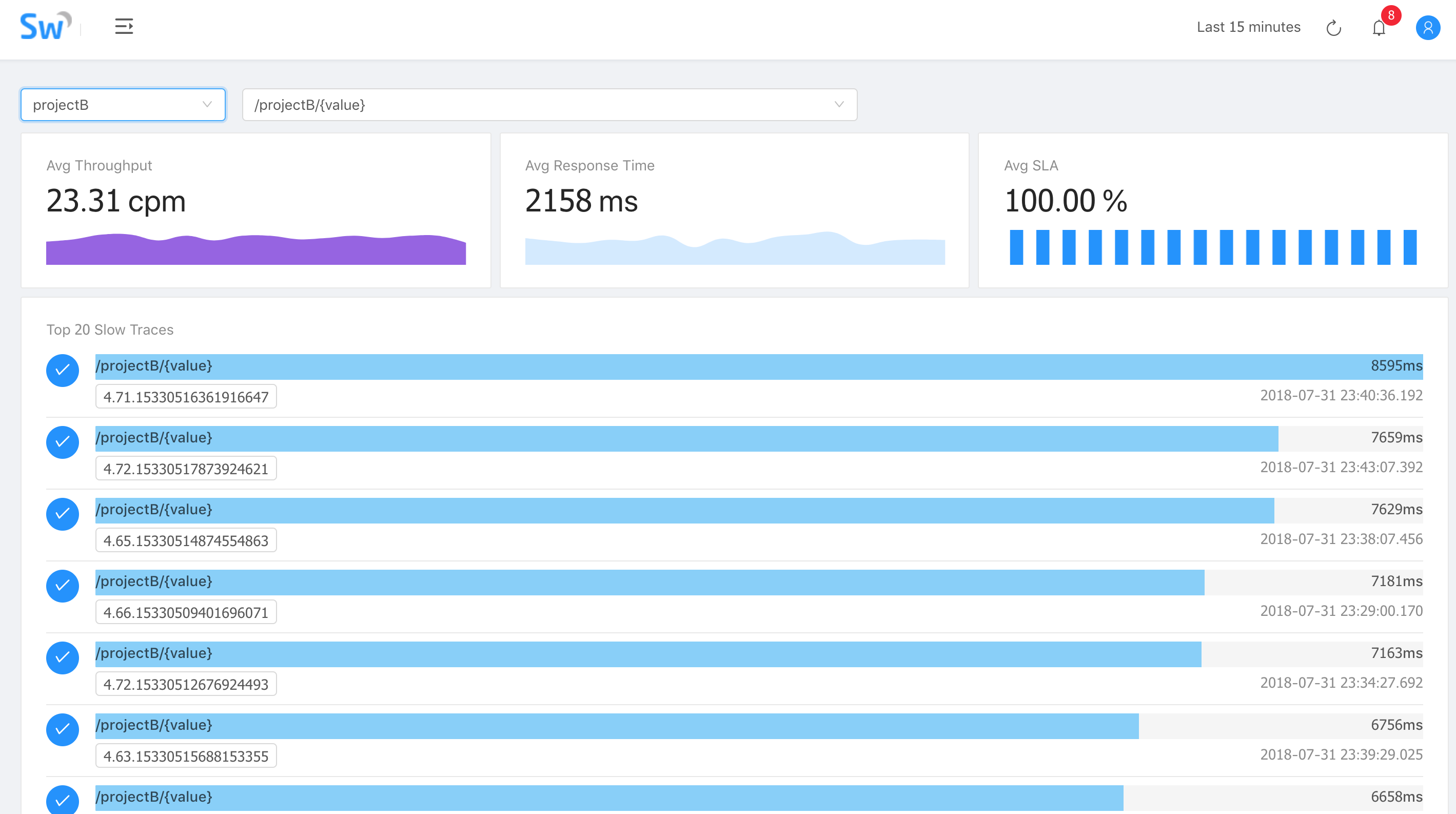
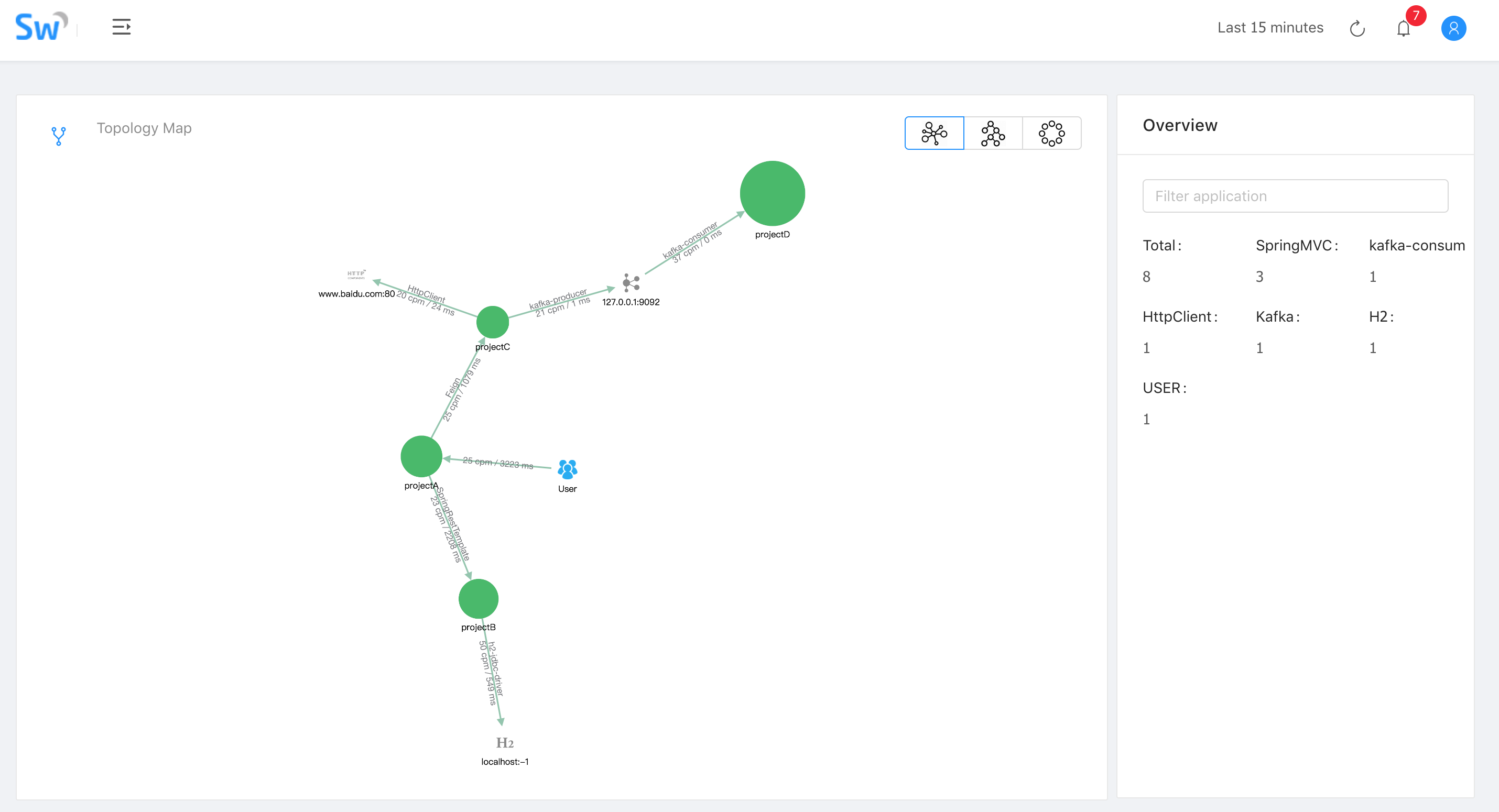
环境
- SkyWalking 5.0.0-beat2
- Mac OS
- ElasticSearch 5.6.10
安装 ElasticSearch
- 下载解压 ElasticSearch 5.6.10
1
2
| curl -L -O https://artifacts.elastic.co/downloads/elasticsearch/elasticsearch-5.6.10.tar.gz
tar -vxf elasticsearch-5.6.10.tar.gz
|
- 修改配置文件
config/elasticsearch.yml
1
2
3
| cluster.name: CollectorDBCluster
node.name: CollectorDBCluster1
network.host: 10.0.0.34
|
需要注意的是cluster.name最好是CollectorDBCluster,network.host最好是局域网 IP,否则可能会在使用时出现很多问题
安装 SkyWalking
- 下载解压 SkyWalking 5.0.0-beat2
1
2
3
| curl -L -O https://mirrors.tuna.tsinghua.edu.cn/apache/incubator/skywalking/5.0.0-beta/apache-skywalking-apm-incubating-5.0.0-beta.tar.gz
tar -vxf apache-skywalking-apm-incubating-5.0.0-beta.tar.gz
|
- 修改配置文件
config/application.yml,修改所有的localhost为局域网 IP
1
2
3
4
5
6
7
8
9
10
11
12
13
14
15
16
17
18
19
20
21
22
23
24
25
26
27
28
29
30
31
32
33
34
35
36
37
38
39
40
41
42
43
44
45
46
47
48
49
50
51
52
53
54
55
56
57
58
59
60
61
62
63
| cluster
host: 10.0.0.34
port: 10800
contextPath: /
cache:
caffeine:
remote:
gRPC:
host: 10.0.0.34
port: 11800
agent_gRPC:
gRPC:
host: 10.0.0.34
port: 11800
agent_jetty:
jetty:
host: 10.0.0.34
port: 12800
contextPath: /
analysis_register:
default:
analysis_jvm:
default:
analysis_segment_parser:
default:
bufferFilePath: ../buffer/
bufferOffsetMaxFileSize: 10M
bufferSegmentMaxFileSize: 500M
bufferFileCleanWhenRestart: true
ui:
jetty:
host: 10.0.0.34
port: 12800
contextPath: /
storage:
elasticsearch:
clusterName: CollectorDBCluster
clusterTransportSniffer: true
clusterNodes: localhost:9300
indexShardsNumber: 2
indexReplicasNumber: 0
highPerformanceMode: true
bulkActions: 2000
bulkSize: 20
flushInterval: 10
concurrentRequests: 2
traceDataTTL: 90
minuteMetricDataTTL: 90
hourMetricDataTTL: 36
dayMetricDataTTL: 45
monthMetricDataTTL: 18
configuration:
default:
applicationApdexThreshold: 2000
serviceErrorRateThreshold: 10.00
serviceAverageResponseTimeThreshold: 2000
instanceErrorRateThreshold: 10.00
instanceAverageResponseTimeThreshold: 2000
applicationErrorRateThreshold: 10.00
applicationAverageResponseTimeThreshold: 2000
thermodynamicResponseTimeStep: 50
thermodynamicCountOfResponseTimeSteps: 40
workerCacheMaxSize: 10000
|
- 修改
webapp/webapp.yml Collector 地址
1
2
3
4
5
6
7
8
9
10
11
12
13
| server:
port: 8080
collector:
path: /graphql
ribbon:
ReadTimeout: 10000
listOfServers: 10.0.0.34:10800
security:
user:
admin:
password: admin
|
- 修改
config/agent.config Collector 地址
1
2
3
| agent.application_code=AppService
collector.servers=10.0.0.34:10800
logging.level=INFO
|
或单独启动 Collector 和 Webapp
1
2
3
| ./bin/collectorService.sh
./bin/webappService.sh
|
使用
1
| -javaagent:/path/to/apache-skywalking-apm-incubating/agent/skywalking-agent.jar -Dskywalking.agent.application_code=YOUR_APP_NAME
|
- Tomcat 修改
bin/catalina.sh首行配置
1
2
3
4
5
| # Linux/Mac
CATALINA_OPTS="$CATALINA_OPTS -javaagent:/path/to/skywalking-agent/skywalking-agent.jar"; export CATALINA_OPTS
# Win
set "CATALINA_OPTS=-javaagent:/path/to/skywalking-agent/skywalking-agent.jar"
|
